

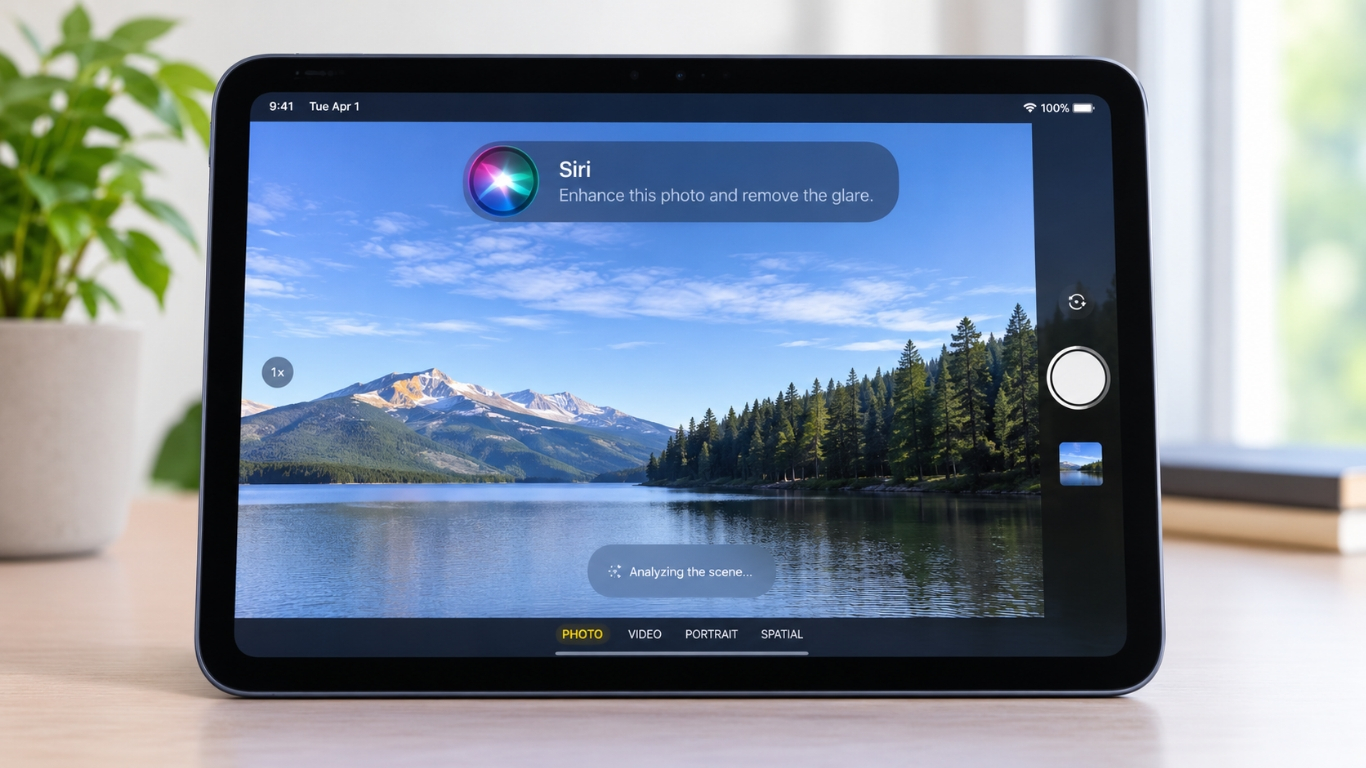
Using Siri AI on the iPad is now simpler with Apple’s latest update.The new iPadOS 27.3 update adds a Siri option to the Camera app, making Visual Intelligence easier to use. It will allow you to take a picture and use Apple Pencil to highlight an object and ask Siri some questions about it.
This update can be very interesting for those people who use their iPad for studying, working and discovery purposes. You no longer have to switch apps to obtain some information about an object.
Table of Contents
What Is New in iPadOS 27.3?
The biggest change in iPadOS 27.3 is is that there is now a Siri mode in the Camera app, giving users a new way to use Visual inteligence by using Apples tool to help understand images. .
If you open the Camera on a supported iPad, you can switch to Siri mode along with the photo and video options. Take a picture, and Siri can help you understand what’s in it.
For example, you may take a photo of a plant, a piece of furniture or an object you don’t know about. You can then ask Siri what it is or look for more information.
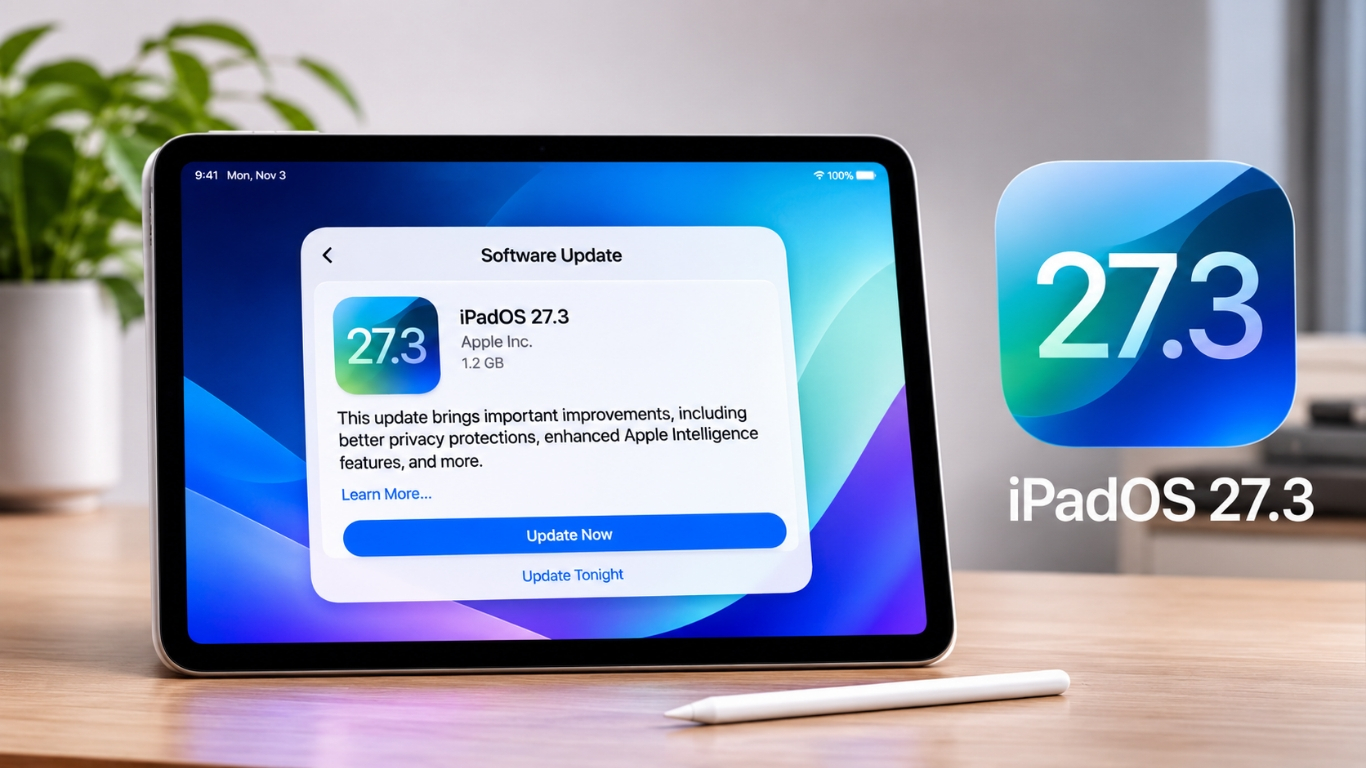
This feature is part of the iPadOS 27.3 beta, which Apple released to developers on November 3, 2026. It is not yet available as a software update for everyone.
How Does Siri Work With the Camera and Apple Pencil?
The new feature is very simple to use. You don’t need any special skills to use it
Here is how it works:
- Open the Camera app on a supported iPad.
- Switch to Siri mode.
- Take a photo of the object or scene you want to learn about.
- Use Apple Pencil to circle or highlight the part of the photo that interests you.
- Ask Siri a question about the selected object.
Then Siri will use Visual Intelligence to help you understand what you selected. You can also ask other more questions if you want to know more.
The ability to select an object is especially useful when a photo contains several things. You can point Siri towards the item you care about instead of asking about the whole picture.
For example, if you take a photo of a desk with a laptop, a lamp and a notebook, you can circle just the lamp. Siri can then focus on that item.
What Can You Do With This Feature?
This feature could be very useful in daily life. Here are some simple examples.
1. Identify Unfamiliar Objects
Sometimes you see something strange and don’t know what it is called. It could be a tool, a plant or an electronic part.
Take a picture and select the object with Apple Pencil. You can then ask Siri to identify it and explain what it does.
2. Learn More About Products
Thinking about buying a new gadget? You can use a picture to ask Siri about a product and its features.
It may also help when you want to learn more about an accessory or compare different items.
3. Help With Studies
Students may find this feature useful, especially when working with diagrams and pictures.
For example, you can select a particular part of a science diagram and ask Siri to explain it in simple words. This could make some topics easier to understand.
4. Understand Things Around You
Imagine travelling to a new place and seeing an unfamiliar building or landmark.
You can take a picture and ask Siri about it. The same idea could help you learn about plants, objects and other things you see around you.
5. Select Specific Details in a Picture
A photo may contain several things, but you might only want information about one of them.
This is where Apple Pencil becomes useful. You can circle the exact object instead of making Siri guess which part you mean.
Of course, the answers will depend on how clearly the object appears in the picture and what Visual Intelligence can recognise.
Which iPads Support This Feature?
Not all iPads will get this feature. It requires an iPad that supports Apple Intelligence.
The supported models include:
- iPad Pro: Models with the M1 chip or newer.
- iPad Air: Models with the M1 chip or newer.
- iPad mini: Models with the A17 Pro chip or newer, including the A20 Pro.
If you have an older iPad with an A-series or M-series chip below these requirements, you won’t be able to use this feature.
There is another thing to keep in mind. Apple Intelligence and Siri AI require a supported device language and region. Some features may not be available everywhere.
Is This a Completely New AI Feature?
No, this is not New AI feature. Visual Intelligence was already available on supported iPads.
Before this update, users could use Siri to understand things shown on their iPad screen or in screenshots. They could ask questions about diagrams, pictures and other content.
So, what has changed?
Apple is bringing a more direct way to use Visual Intelligence through the Camera app. You can now start from Camera, take a photo and use Apple Pencil to select an object.
It saves a few steps and makes the feature easier to find. That’s the main improvement in iPadOS 27.3.
When Will iPadOS 27.3 Be Available?
As of November 5, 2026, iPadOS 27.3 is in beta testing.
Apple released the first developer beta on November 3, 2026. Developers can try the new features and report problems before the update reaches regular users.
The public release is expected in December 2026. But Apple has not announced an exact release date.
If you don’t want to deal with possible bugs, it is better to wait for the stable version. Beta software can still have problems, and some features may change before the final release.
What Does This Mean for iPad Users?
The new Camera option makes Visual Intelligence easier to use, especially for people who already work with Apple Pencil.
For students, it will be helpful in studying the diagrams. For creative individuals, it will allow to explore objects in pictures and for regular users, it can help to find information quikly of things they don’t know about.
It is a small addition, but it gives Apple Pencil another useful purpose. We’ll have to wait for the public release to see how well it works in everyday use.
Faqs
The feature supports iPad Pro and iPad Air models with M1 chips or newer, and iPad mini models with A17 Pro or newer chips.
There are five main steps: open Camera, switch to Siri mode, take a photo, circle an object with Apple Pencil and ask Siri a question.
Apple Pencil compatibility depends on the supported iPad model. Users should check which Pencil works with their particular iPad.
Apple released the first developer beta on November 3, 2026.
It can help identify objects, learn about products, understand study diagrams, explore unfamiliar places and find details in pictures.