

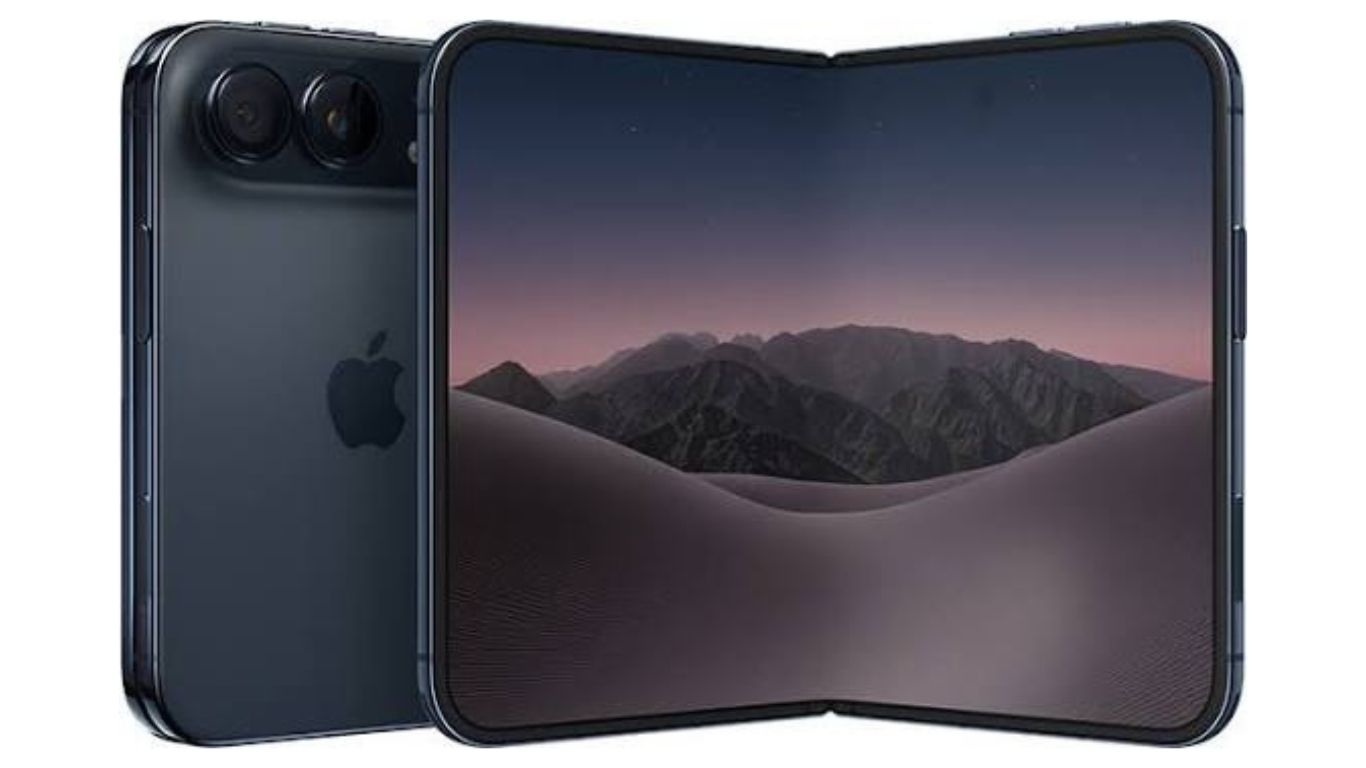
iphone Duo
Apple’s first foldable smartphone has finally arrived, and it brings a new way to experience the iPhone. The iPhone Duo combines a regular smartphone display with a much larger folding screen, giving users more space for photography, entertainment, multitasking and everyday activities.
However, its foldable design is not the only interesting part. Apple has introduced several features that make this device different from previous iPhone models. From using two apps at once to taking hands-free group photos, there are plenty of things worth trying.
If you have recently purchased an iPhone Duo or are planning to get one, here are 12 useful features and tips that can help you make better use of your new device.
12 iPhone Duo Features You Should Try First
1. Open Two Apps at the Same Time
One of the biggest advantages of the iPhone Duo is its ability to run two apps side by side. Its larger inner display makes multitasking more practical than on a traditional iPhone.
You can open Safari alongside Notes, keep Messages next to Maps or read an email while checking information in another application. This feature is particularly useful for students, professionals and people who regularly switch between apps.
You can also pair two frequently used apps so they open together. This saves time when you often use the same combination for work or personal tasks.
2. Take Group Photos Without Asking Someone for Help
Taking a group photo can be difficult when everyone wants to appear in the picture. Apple’s Smart Take feature makes this easier.
Simply place your iPhone Duo on a stable surface and activate Smart Take through the Camera app. Once you enter the frame and hold a pose, the phone can automatically capture photos.
The feature can take multiple pictures over a short period, allowing you to choose the best moment later. It is useful for family pictures, group gatherings, travel photos and social media content.
3. Use the Rear Cameras for Better Selfies
Most people use the front camera for selfies, but the iPhone Duo gives you another option. Its foldable design allows you to use the rear camera system while viewing yourself on the outer display.
This can help you capture selfies using the higher-quality rear cameras instead of relying only on the front-facing camera.
It is particularly helpful when taking pictures in challenging lighting conditions or when you want more detail in your photos.
4. Try the 2x Telephoto Camera
The iPhone Duo includes a 48MP Fusion Main camera with an integrated optical-quality 2x Telephoto option.
This lets you get closer to your subject without physically moving towards it. It can be useful for portraits, street photography, travel pictures and capturing details from a distance.
Experiment with different distances and lighting conditions to understand how the camera handles different scenes.
5. Capture Detailed Close-Up Photos
Another useful camera feature is the 48MP Fusion Ultra Wide camera, which supports macro photography.
Macro photography allows you to capture small details from very close distances. You can use it for flowers, food, jewellery, textures and other subjects that look interesting up close.
The Ultra Wide camera is also useful when you want to fit more people or scenery into a single photograph.
6. Use StandBy Mode Without Connecting a Charger
StandBy mode turns your iPhone Duo into a useful information display when you are not actively using it.
Unlike the traditional StandBy experience on other iPhones, the Duo can activate this mode without being connected to a charger. You can partially fold the device and place it on a flat surface to display supported widgets, clocks, calendars, music information and weather updates.
To try it, open Settings, select StandBy and make sure the feature is enabled. Check the folding-position options and turn off the Only While Charging setting.
This is a handy feature for a desk, bedside table or workspace.
7. Make Video Calls More Comfortable With Edge Light
Lighting can make a big difference during video calls. If your room is dark, your face may not appear clearly on camera.
Edge Light helps solve this problem by illuminating the edges of the iPhone Duo display to provide additional light for your face.
The feature is available with iOS 27.2 and can be used with FaceTime and supported third-party video-calling apps. You can also adjust its brightness and colour temperature to suit your surroundings.
For the best experience, unfold your device before starting a video call and look for Edge Light in the video effects controls in Control Center.
8. Use the Foldable Design for Hands-Free Video Calls
The folding design gives you another advantage during video calls. Instead of holding your phone throughout a conversation, you can partially fold it and place it on a stable surface.
This creates a convenient viewing angle for FaceTime, online meetings and video conversations. The inner display and built-in FaceTime camera help you stay connected without needing to hold the device.
It can be particularly useful when attending long work meetings or speaking with family members.
9. Let the Screen Adjust When You Rotate the Phone
The iPhone Duo has two displays and a folding mechanism, so its software needs to respond to different positions.
iOS adapts the screen layout as you fold, unfold or rotate the device. Depending on how you hold it, supported content can move between the displays or change its orientation.
Try opening an application in different positions to see how the interface changes. This helps you find a comfortable way to read, watch videos and use supported applications.
10. Use Siri AI Alongside Your Apps
Apple has introduced a more advanced Siri AI experience with the iPhone Duo. It is designed to understand requests more naturally and provide assistance using personal context and information on your screen.
The larger inner display makes this feature more useful because you can keep Siri open alongside another application.
For example, you can ask questions about information displayed in a supported app while continuing to view that content. Siri AI can also help users find information and complete supported tasks.
Keep in mind that Siri AI is rolling out in beta and its availability depends on supported languages, regions and software versions.
11. Explore Center Stage for Better Selfies and Videos
The iPhone Duo includes a Center Stage front camera that can automatically adjust the framing of supported photos and videos.
This is useful when you are moving around while recording or taking pictures with friends. The camera can help keep people properly positioned in the frame without requiring you to constantly adjust the phone.
It also supports different orientations, making it easier to capture landscape selfies without manually rotating the device.
12. Try Visual Intelligence With the Camera
Visual Intelligence is another feature worth exploring. It helps users understand information about objects and content they see through supported camera and on-screen experiences.
For example, you may be able to use compatible features to identify something, learn more about an object or find useful information about what is in front of you.
With Siri AI and the camera experience working together, the iPhone Duo offers new ways to interact with everyday surroundings.
Why the iPhone Duo Is Different From Previous iPhones
The biggest difference is its foldable design. Instead of offering only one fixed display, the iPhone Duo gives users a compact outer screen and a much larger inner screen.
Here are some of the features that make it stand out:
- Foldable display: Switch between a compact phone experience and a larger screen for viewing content.
- Split View: Run two supported applications side by side.
- Advanced cameras: Capture photos with the 48MP Fusion Main and Ultra Wide cameras.
- Smart photography: Use features such as Smart Take and Center Stage.
- Improved video calls: Use Edge Light and the foldable design for convenient conversations.
- Apple Intelligence: Access supported AI tools and the newer Siri experience.
These features make the iPhone Duo more than just another smartphone with a different screen design. It introduces new ways to interact with iOS and complete everyday tasks.
Is It Worth Exploring All These iPhone Duo Features?
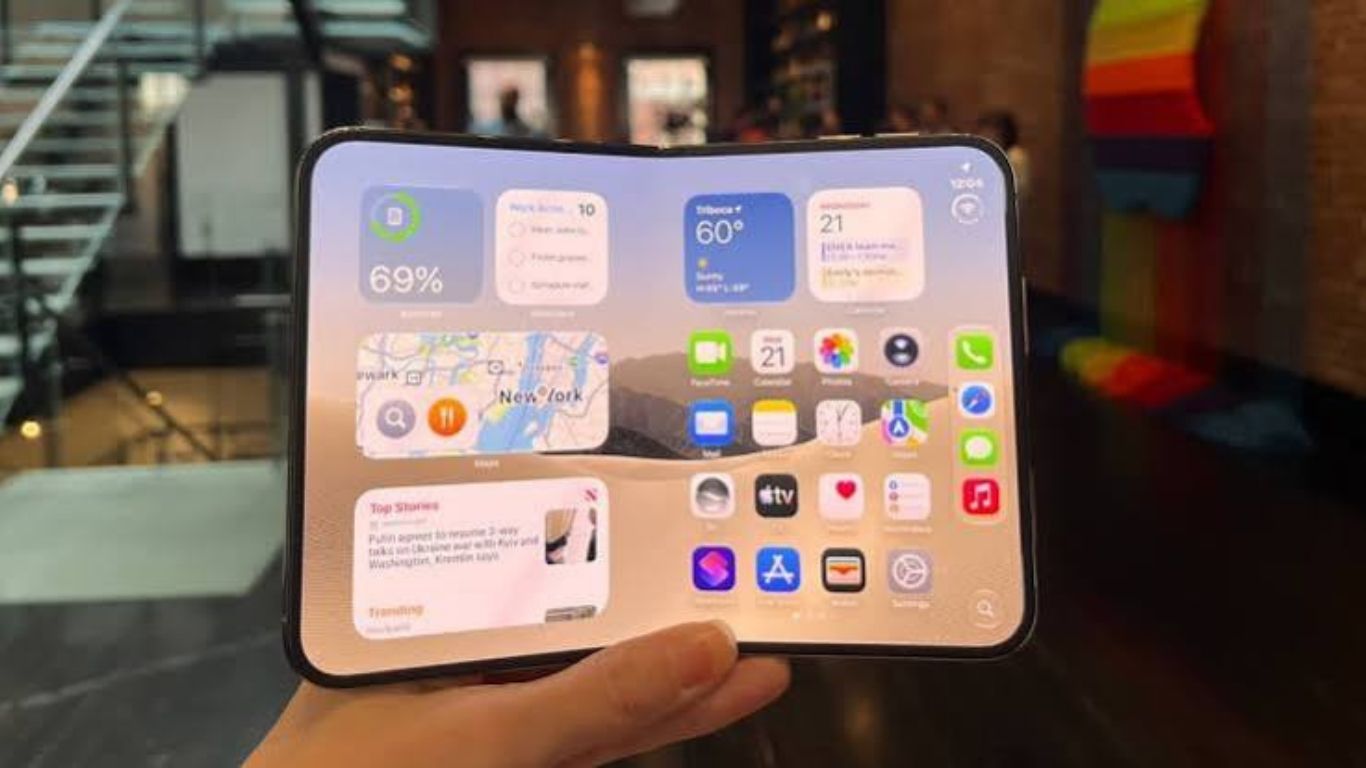
Yes, especially if you are upgrading from a traditional iPhone. Some features, such as the improved camera system and Apple Intelligence, may feel familiar. However, the foldable display introduces new possibilities for multitasking and hands-free use.
Students can use Split View to read and take notes at the same time. Professionals can check messages while viewing documents. Photography enthusiasts can experiment with Smart Take and the rear-camera selfie experience.
You do not need to use every feature immediately. Start with the ones that match your daily routine and gradually explore the remaining options.
A Closer Look at the iPhone Duo
The iPhone Duo introduces a different experience for people who want more flexibility from their smartphone. Its foldable display, improved camera tools, multitasking options and AI features give users plenty of new things to explore.
Whether you are interested in better photography, easier video calls or a more productive mobile experience, these 12 features are a good place to start.
As Apple continues to improve iOS through software updates, the experience may become even more useful over time. Make sure your device is running the latest compatible software to access available features and improvements.
Like any advanced smartphone, keeping your device protected and maintaining its display, battery and other components is important for long-term use. If your iPhone develops a hardware or performance issue, explore these professional iPhone repair services in Dubai to learn about available repair options.
Check for software updates at least once a month. Installing available updates helps improve security, fix software problems and provide new features.
Use a compatible screen protector and protective case. Avoid pressing the folding area, using sharp objects on the display or exposing the device to excessive dust and moisture.
The number of apps you can use simultaneously depends on the supported multitasking features and iOS version. Check the multitasking settings to explore the available options.
Some useful features to explore include the foldable display, multitasking, advanced camera tools, AI-powered features, improved video calls, customisable home screens and enhanced productivity options.